By optimizing existing articles or adding new articles on the demandable topics you could boost your traffic with the help of GSC/Google Search Console.
Here are the steps:
- Go to google search console.
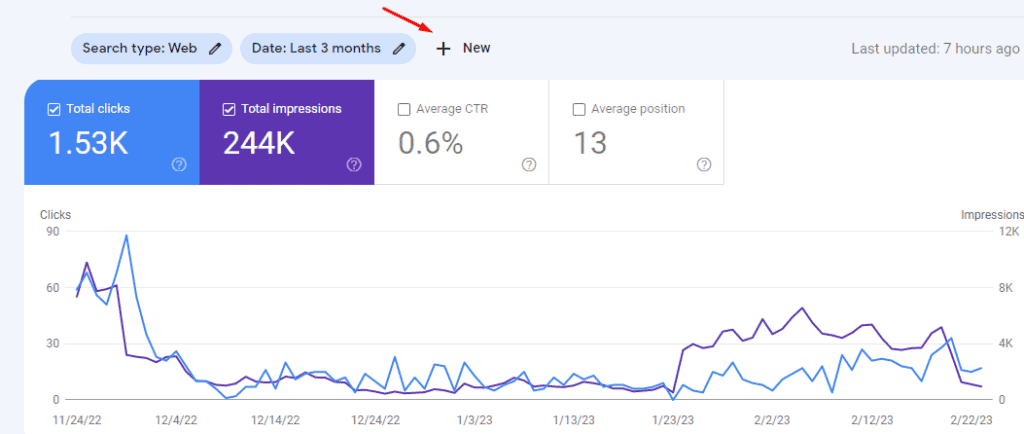
- Click on New Button.

3. Then click on the “Query” button.

4. Click on “Custom (Regex)” and apply.

5. Then select “Matches Regex” and Add “([^” “]*\s){15,}?” hit apply.
Better if you have “keywordeverywhere” paid extension.
Then it will show all the keywords with zero sv but also generate some impressions and clicks.

Just see the queries with the pages and update the articles.
Thank you.
Valuable
Thank you brother 🙂
Thank you so much brother.
😊😊😊